English


$99.95
Wondershare PPT2DVD Pro is the first program that enables users to convert PowerPoint presentations to DVD movies or popular video formats and even HD videos. The final output will retain all features from the original PowerPoint presentations, such as animations, transitions, sounds, and video clips between slides.
After burning PowerPoint presentations to DVD, you can view the presentation on TV through DVD player with ease.
Supported OS: 32-bit Windows 7/XP/Vista, Windows Server 2008
PowerPoint Required: Microsoft PowerPoint 2000/2002/ 2003/ 2007 and 2010 32 bit


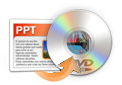
PPT2DVD Pro enables you to convert your PowerPoint presentations to DVD movies retaining all features in the original PowerPoint, such as animations, transitions, sounds, and video clips. Easy to create your DVD presentation!
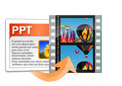
PPT2DVD Pro converts PowerPoint presentation to 130 popular video formats such as AVI, WMV, MOV, MPEG, etc. for sharing on websites, blog, or portable devices such as iPod, iPhone, Apple TV, and Pocket PC.
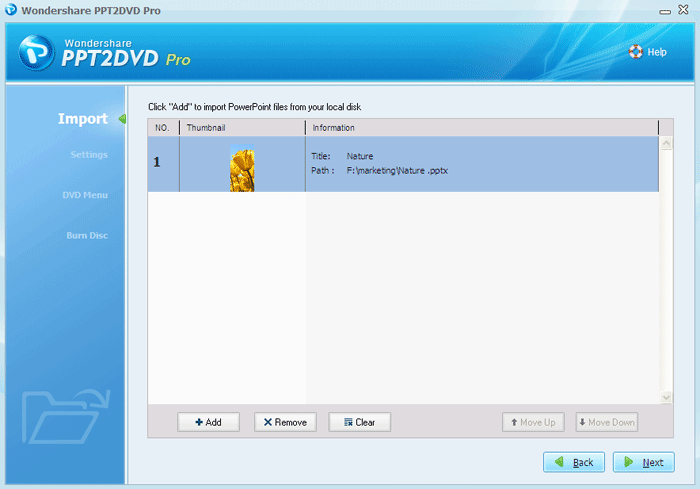
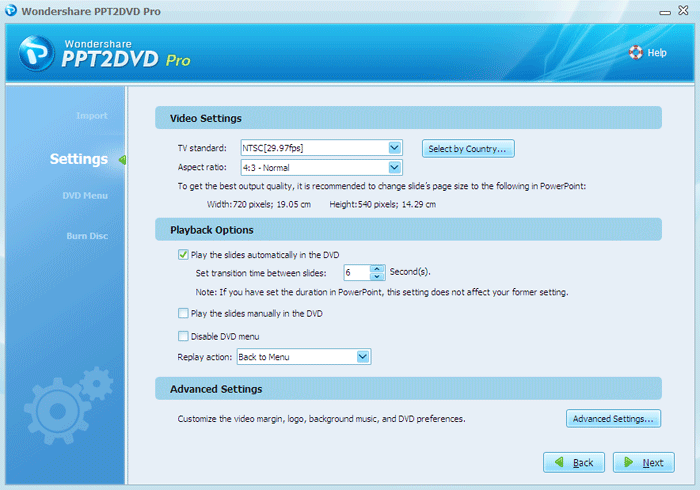
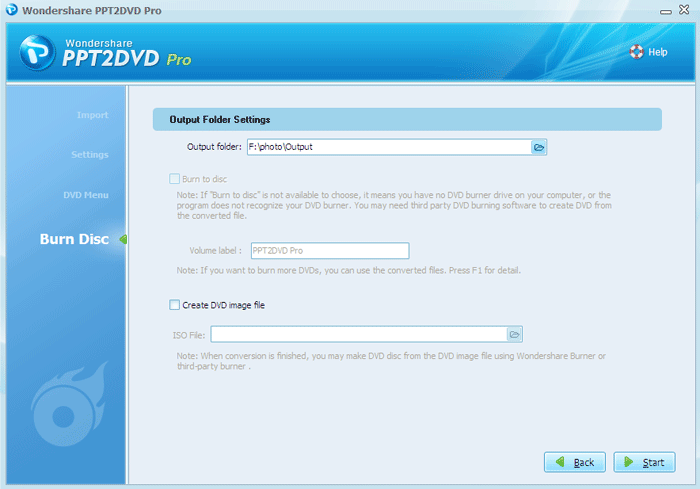
Convert PowerPoint files to DVD in simply 3 steps.
Burn up to 12 PowerPoint presentations to DVD at one time with this PowerPoint to DVD converter.


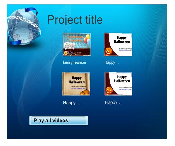
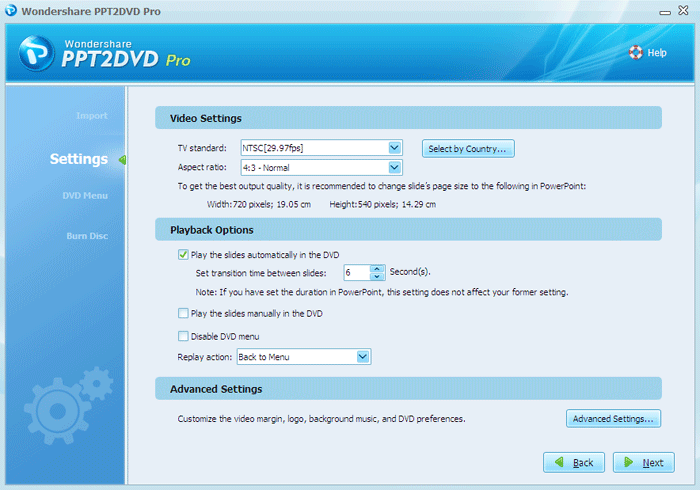
Before converting PowerPoint to DVD, you can choose to play it like a movie in the auto mode, or navigate it by remote control in the manual mode.
You can add your own logo to the output to personalize the Presentation after being converted to DVD.
Wondershare PPT2DVD Pro built-in DVD burner helps you burn PowerPoint presentations to DVD automatically. Also, it enables you to burn the separate output (ISO) to DVD to make copies.
PowerPoint is powerful to create all kinds of stunning presentations, but PowerPoint presentations are not easy to deliver and share. Here are the main reasons of converting PowerPoint to DVD:
A computer with PowerPoint program is not necessary for presentation playback and a DVD player will handle it.
DVD can be made as the backup for your presentation for long preservation .
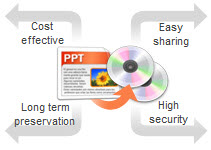
DVD is the ubiquitous medium supported by most computers and players.
The presentation in DVD format will protect your PowerPoint file from being modified.
PPT2DVD Pro helps users crack the obstacles of transporting, playing, and sharing PowerPoint files in wide areas.
More about the digital signage content creation >>
• Burn PowerPoint presentation of company profile, product brochure to DVD
• Create in-house advertising DVD from PowerPoint
• Convert PowerPoint to business video for Web publishing or distribution

• Make professional product presentation
• Burn PowerPoint to DVD for distribution
• Play them on TV screens throughout the exhibition hall, supermarket

• Create DVD slideshow for events, family reunion, anniversaries, etc
• Convert PowerPoint photo album to DVD for sharing and preservation
• Burn genealogies PowerPoint to DVD for young

• Convert PowerPoint presentation to funny video
• Convert PPT to music DVD for sharing
• Upload the video to online video sharing sites such as YouTube and Hulu

Recommended Product
Quick Links
Products List
Software Reviews

If you're interested in sharing your PowerPoint as DVDs to be played on a DVD player...
Learn More>>
How to get a PowerPoint presentation onto a DVD...
Learn More>>